Features
What you actually get
Every section below is built and running today. Nothing on this page is a plan, and nothing renders a live studio's data.
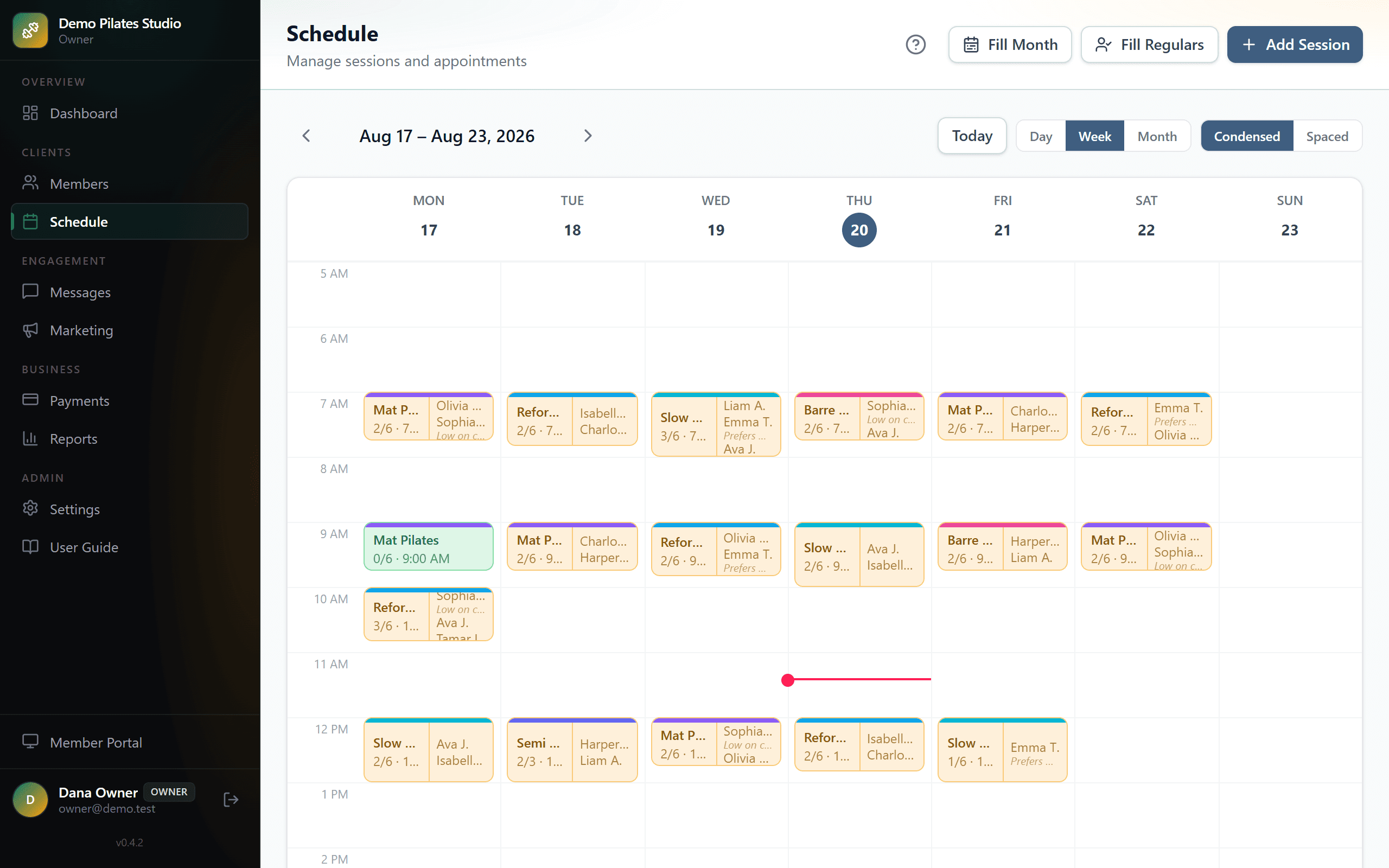
Schedule and weekly timetable
Set the shape of your week once, then generate real sessions from it — a month at a time, not one class at a time.
- A timetable per day: which times run, which class types, what capacity.
- Fill Month creates every session for the month from that timetable.
- Day, week and month views, condensed or spaced, with each class showing how many seats are taken.
- Move, cancel or add a one-off session without touching the timetable.
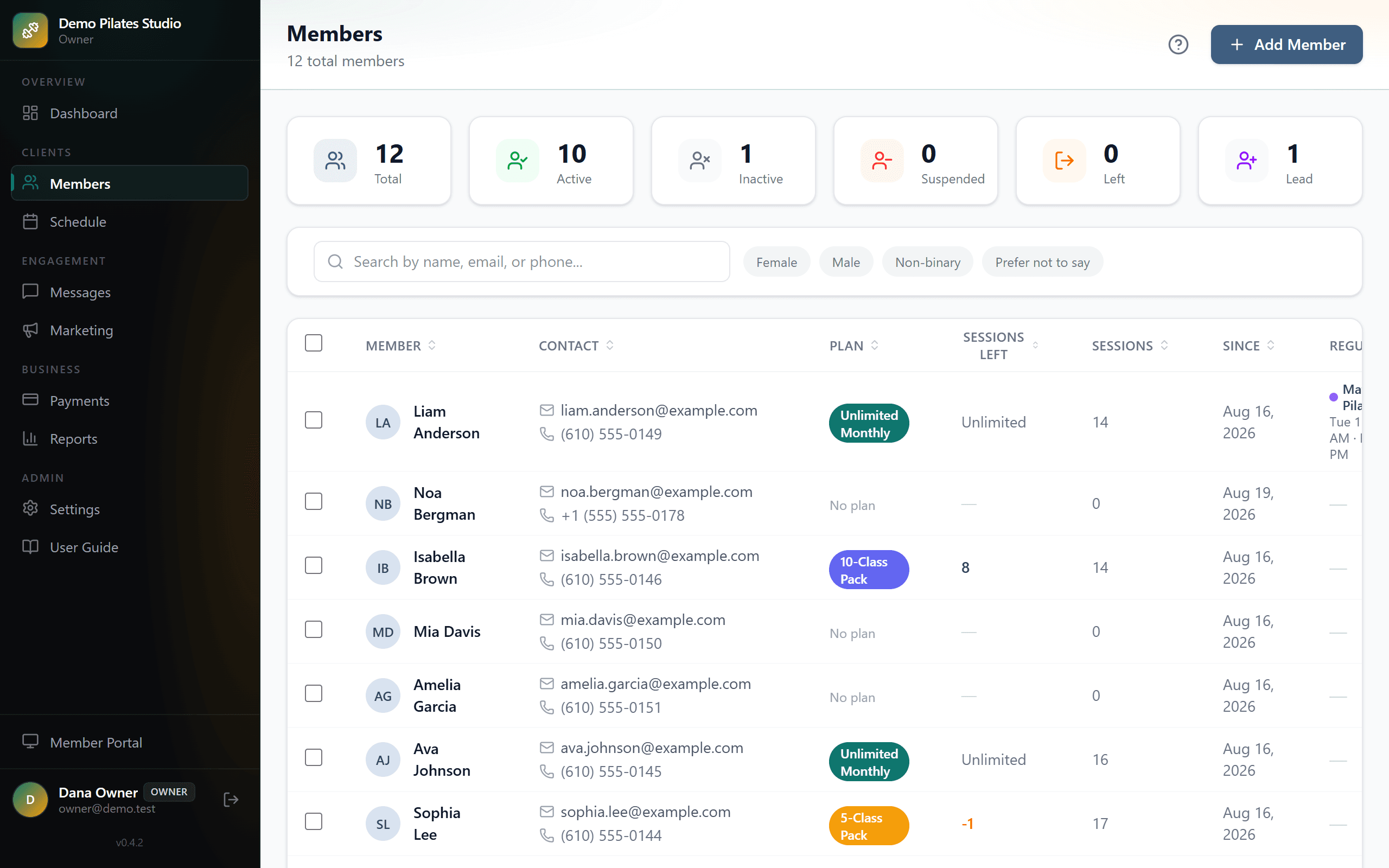
Regulars who hold a standing slot
The member who always comes Tuesday at nine is booked into Tuesday at nine, without you doing it every week.
- Each member can hold preferred days and times.
- Fill Regulars books them into the matching sessions in one pass.
- Change the timetable and anyone whose slot no longer exists is listed before anything is sent.
- You choose whether to notify them, from a message you can edit first.
Waitlists that move on their own
A full class stops being a dead end.
- Members join the waitlist from the portal when a class is full.
- A cancellation offers the seat to the next person with a countdown to claim it.
- Unclaimed, it passes to the person after them rather than sitting idle.
- You see the queue and can book someone in directly at any point.
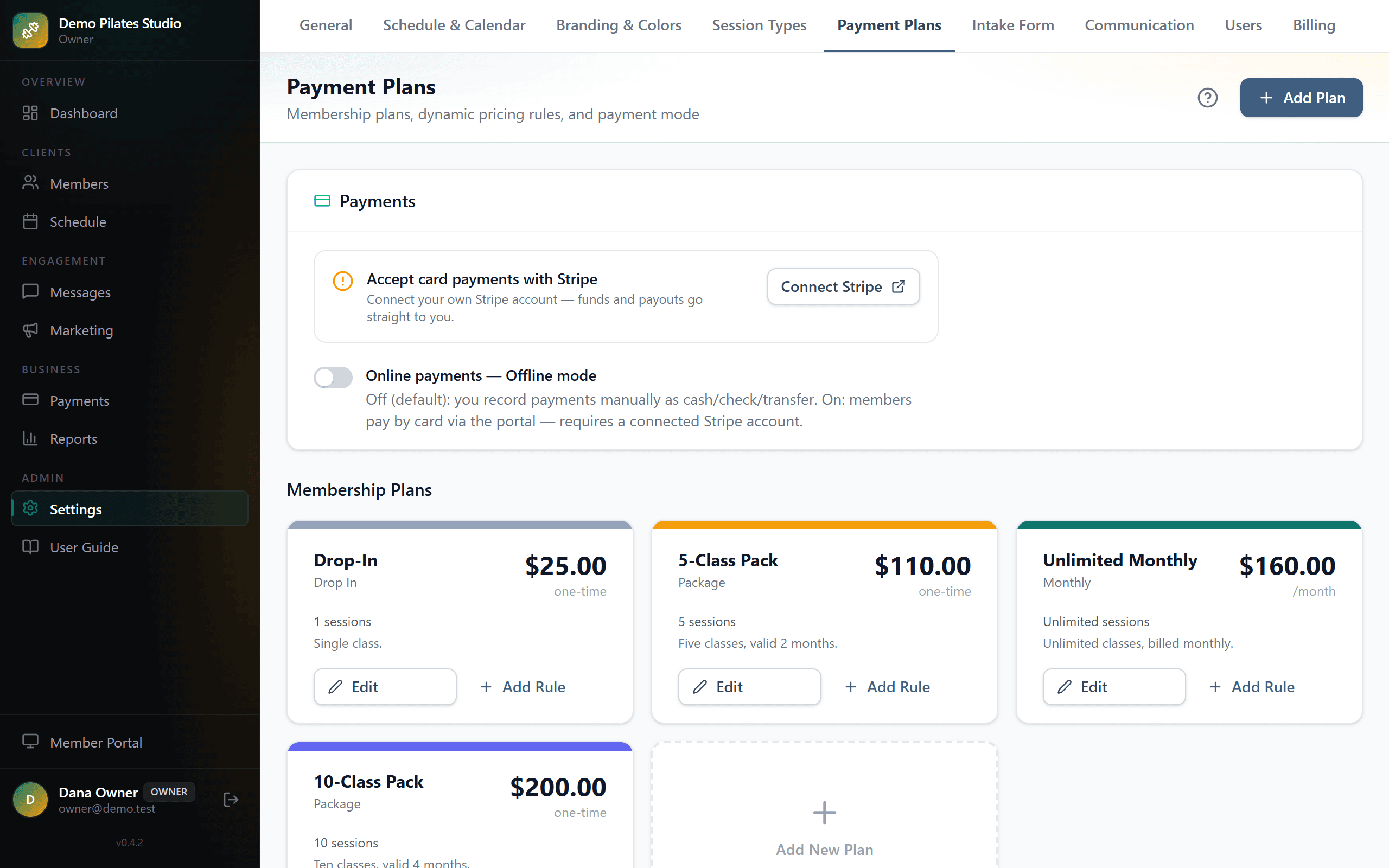
Plans, packs and family balances
Session packs, monthly plans and unlimited memberships, with the balance arithmetic done for you.
- A plan can grant access to specific class types, or to everything.
- Sessions are deducted on booking and returned on an eligible cancellation.
- A family shares one pool of sessions between them, without double-spending it.
- Members with a low balance or an expiring plan are flagged, and can be told automatically.
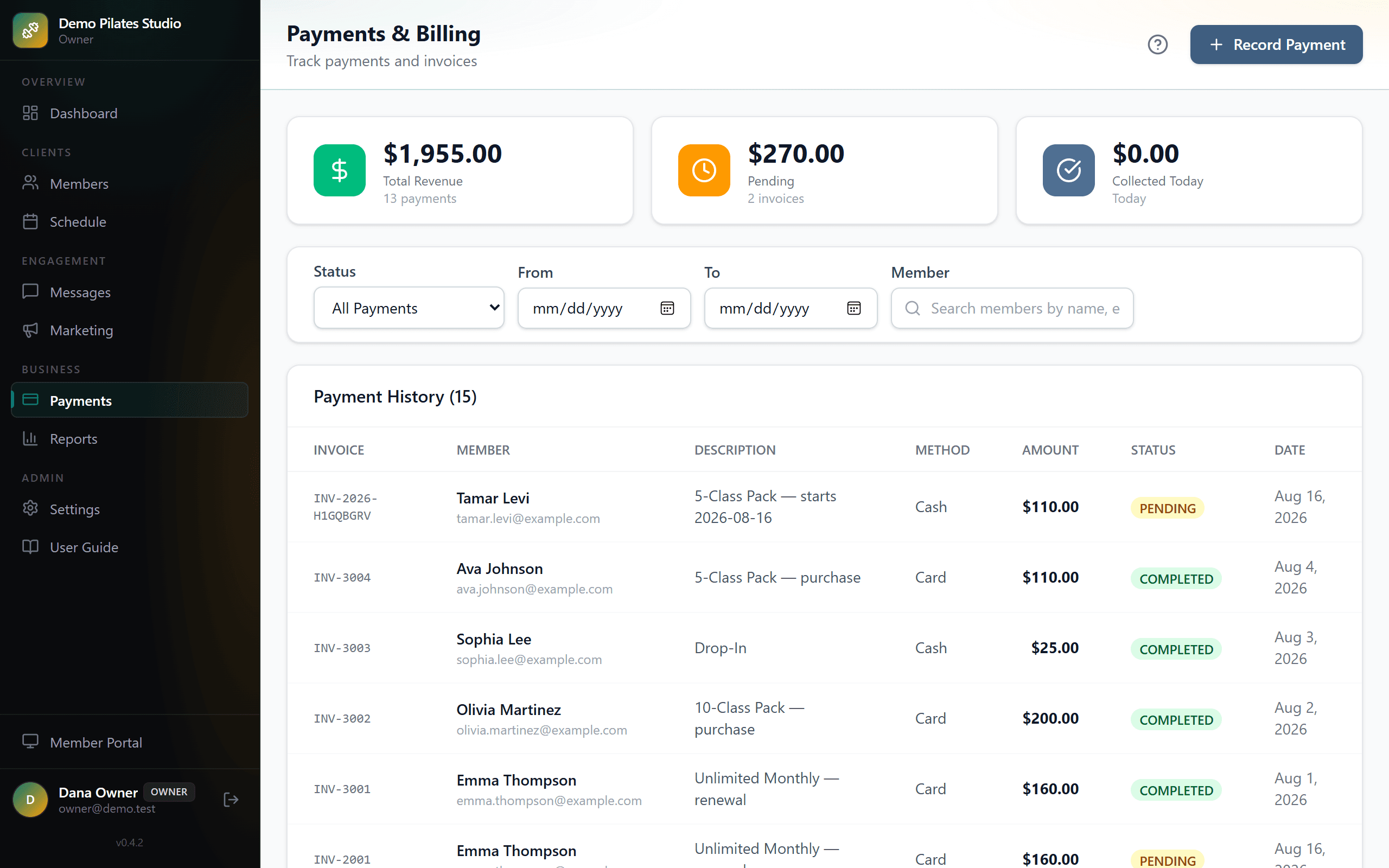
Card and cash in one ledger
Members pay by card and the money lands in your Stripe account — not ours, and we take nothing from it.
- Stripe Connect: members buy and renew from the portal, paid directly to you.
- Cash, bank transfer and anything else recorded in one click, so the totals are the real totals.
- Refunds, discounts and promo rules applied consistently at checkout.
- Filter by date or member, and export the lot as CSV.
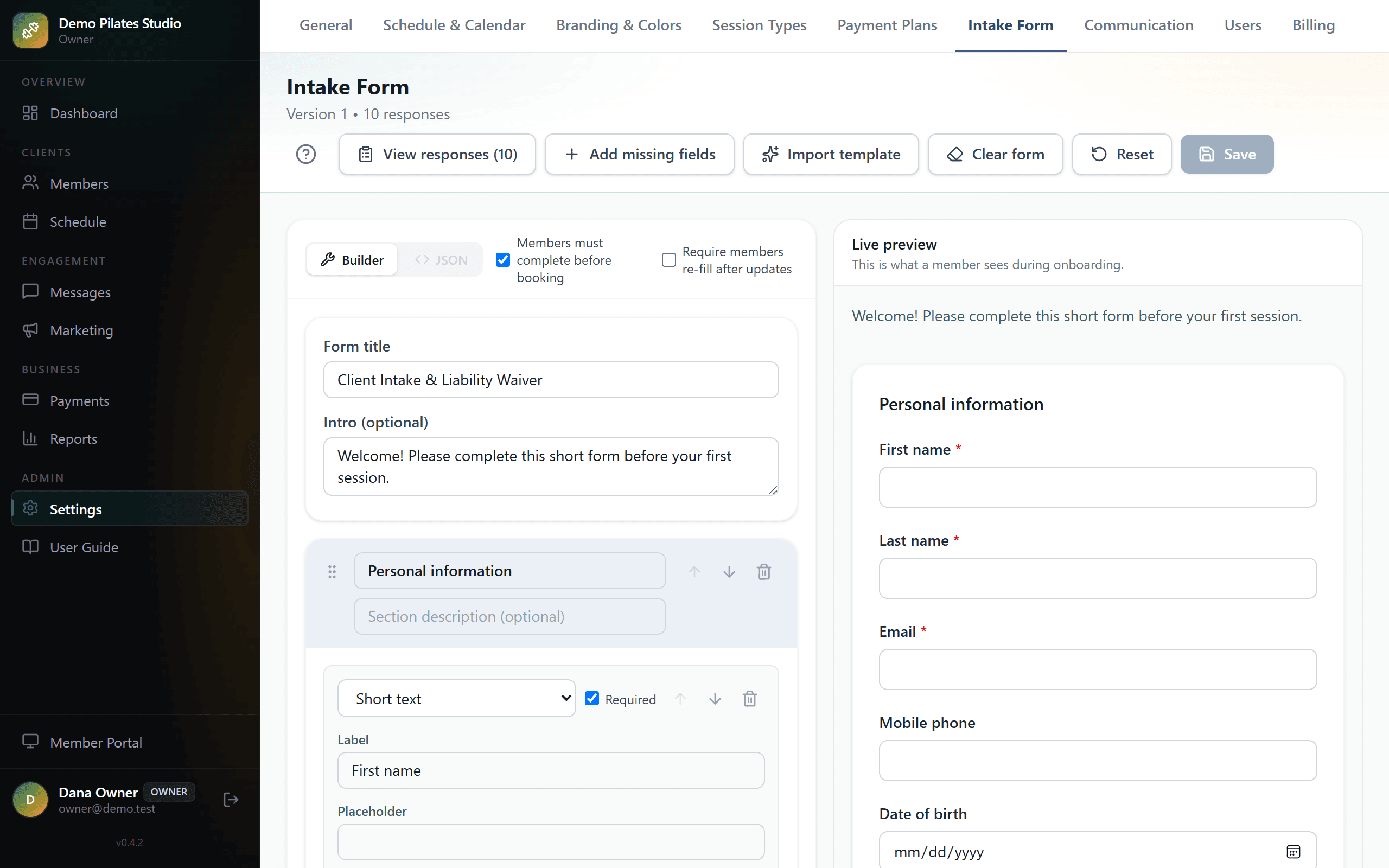
The intake form and waiver, signed and filed
Build your own form, and have it signed before a member's first class rather than chased afterwards.
- A visual builder: your sections, your questions, your wording.
- Members complete and sign it in the portal on their own device.
- The signed copy is stored as a PDF you can produce years later.
- Anyone who has not completed it is visible, and can be reminded with one button.
Messages that arrive, and stop when asked
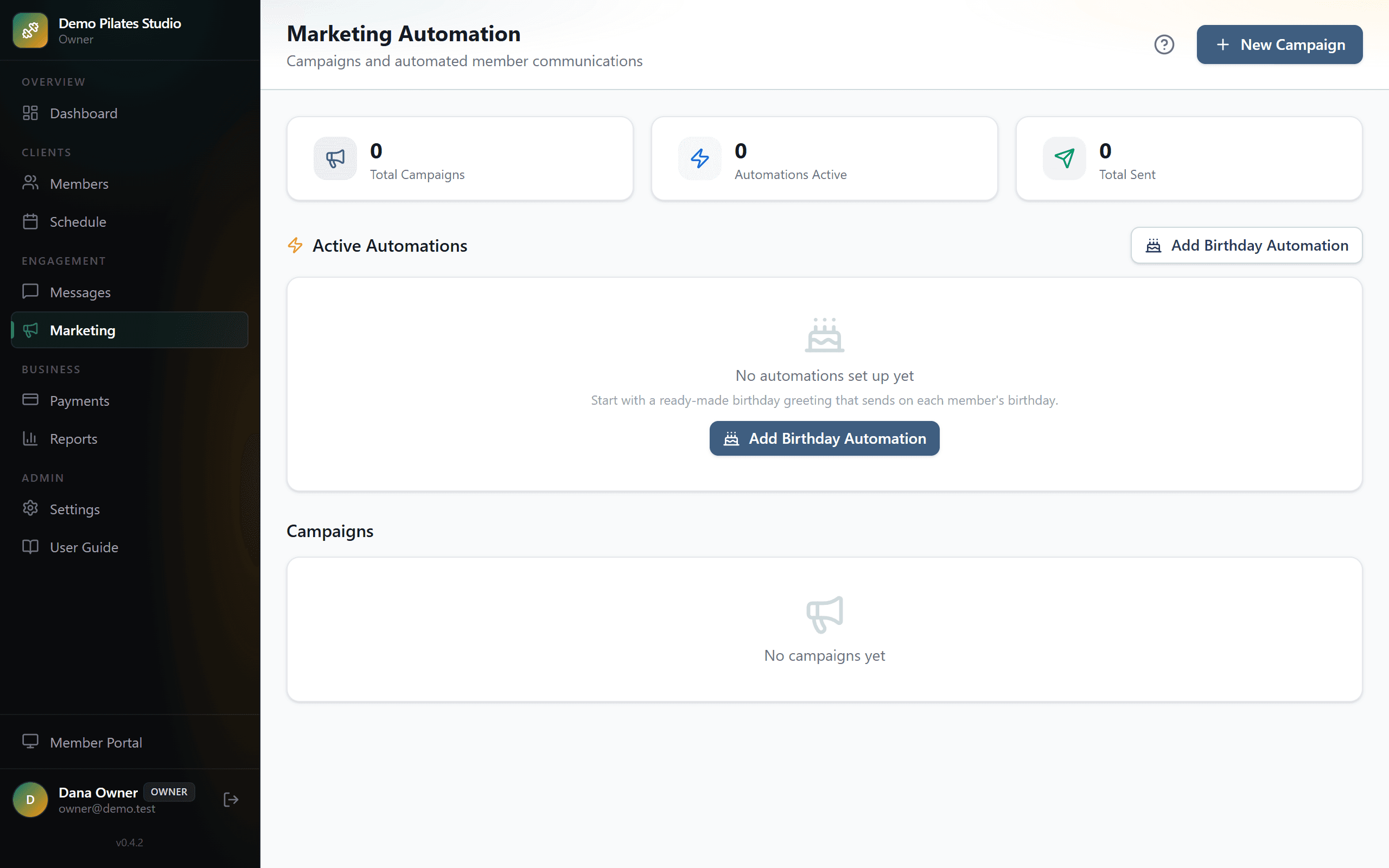
Confirmations, reminders and renewal notices by text and email, from wording you control.
- Every automatic message has its own on/off switch and editable text.
- Texts carry your studio's name so members know who is writing.
- Campaigns to a chosen audience, with one-click unsubscribe handled properly.
- Opt-outs, bounces and complaints tracked, so your mail keeps reaching inboxes.
A member portal that installs like an app
Your members get a page that behaves like an app, without an app store.
- Book, cancel and join waitlists; see what is left on their plan.
- Buy and renew by card, if you have Stripe connected.
- Add it to a phone home screen in one tap — no download, nothing to update.
- Sign in with a code sent by text, so there is no password to forget.
Calendar sync
Your studio in the calendar you already use, and your own commitments respected by the studio.
- Subscribe to your sessions from Google Calendar, Apple Calendar or Outlook.
- Import your personal calendar so busy hours stop being bookable.
- Booking confirmation emails can carry a calendar invite for the member.
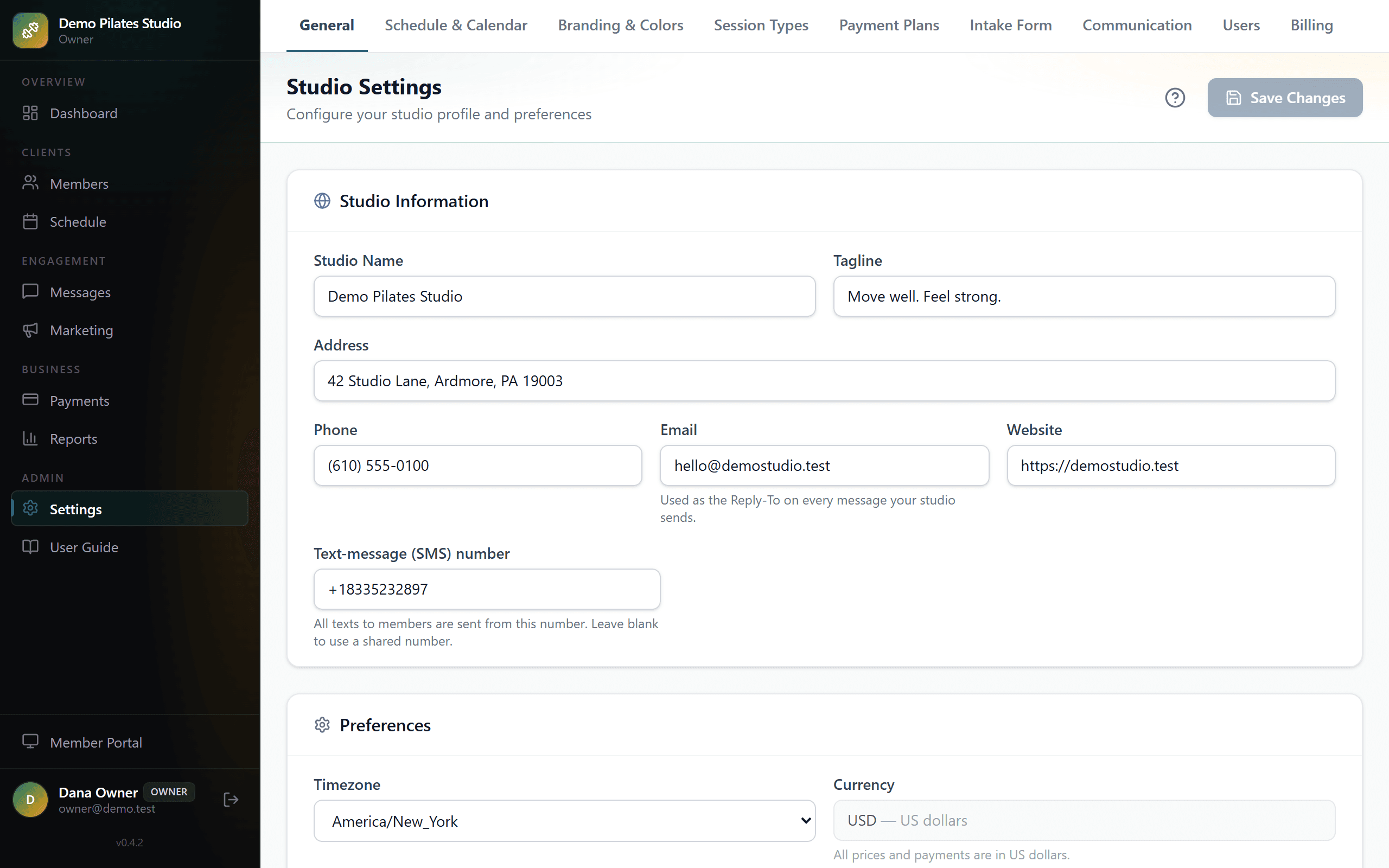
Reports, and your data on your terms
Enough numbers to run the business, and an export whenever you want one.
- Revenue by month, by plan and by class type.
- Attendance and capacity, so you can see which times are worth keeping.
- New and lapsed members over time.
- CSV export from the reports screen — see /about for how to get everything else out.
Half an hour, and no slides.
Show me how you run your studio today and I will tell you honestly whether this helps. If it does not, I will say so.